Amazon Product Image Requirements (2026): Size, Background & File Specs
If Amazon has ever rejected your main product image, it’s almost always one of a handful of specific, mechanical reasons — not a judgment call. Here’s the actual spec, and how to fix the size/dimension part of it in a batch, without re-uploading images one at a time.
The main image requirements
- Background: pure white, RGB (255, 255, 255). Off-white, cream, or near-white backgrounds get rejected — Amazon’s automated check is strict about this, it’s not a style guideline.
- Frame fill: the product should fill at least 85% of the image frame. Too much empty white space around a small product is treated as non-compliant.
- No extras on the main image: no text, no logos, no watermarks, no inset/collage images. Save those for your secondary images.
- Show the real product: no illustrations, mockups, or placeholder graphics as the main image.
The size requirement (this is the part a resize tool actually solves)
- Minimum: 1,000 pixels on the longest side — this is the threshold that enables Amazon’s zoom-on-hover feature. Below it, buyers can’t zoom in, and that alone measurably hurts conversion.
- Recommended: 2,000–3,000 pixels on the longest side.
- File size: 10 MB maximum.
- Accepted formats: JPEG, TIFF, PNG, GIF.
If you’re sourcing product photos from a supplier or a phone camera and they come out under 1,000px, or wildly inconsistent from batch to batch, that’s the fixable part.
Fixing image dimensions in a batch
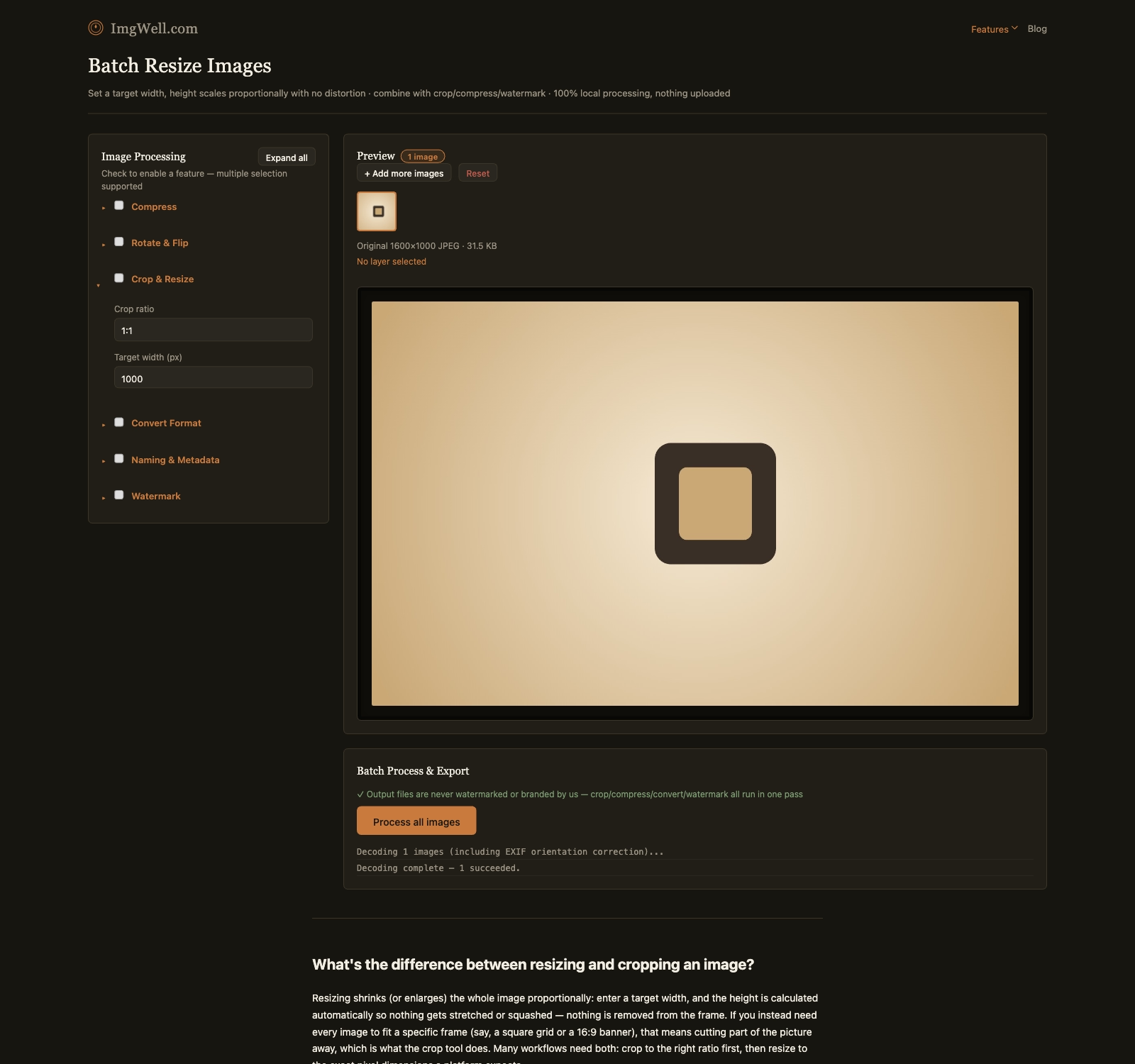
This part is what our batch resize tool is built for — it runs entirely in your browser, nothing gets uploaded to a server, which matters if these are unreleased product photos.
- Drop in all your product images at once (folder import works too).
- Open Crop & Resize, and set the Target width (px) field to
2000— the tool scales height proportionally, so nothing gets stretched or distorted. - If your source photos aren’t square and you want a consistent square frame across your whole catalog, pick the 1:1 crop preset in the same panel first, then set the width.
- Process the batch and download — every image comes out at the same target size, ready for upload.
What this tool doesn’t do: it won’t turn a non-white background into pure white, and it won’t verify the 85%-frame-fill rule for you — those are compositional/editing decisions that need either a real background removal step or reshooting. If your background is already close to white (a lightbox or white sweep, lightly graded), resizing is usually the only mechanical step left.