JPEG vs WebP: Which Should You Use for Website Images?
If your site is still serving JPEGs for every image, you’re leaving real page-speed on the table for basically no reason anymore. Here’s the actual comparison, not the “just use WebP” one-liner.
The size difference is real, not marginal
At comparable visual quality, WebP files typically come in 25–35% smaller than the equivalent JPEG. On a page with a dozen images, that’s not a rounding error — it’s the difference between a page that feels instant and one that visibly loads in front of the visitor. Since Core Web Vitals (specifically Largest Contentful Paint) directly rewards faster image loads, this is one of the few “free” performance wins that doesn’t require touching your actual content or layout.
Browser support isn’t the objection it used to be
WebP support used to be the reason people avoided it — that’s genuinely outdated advice now. Every browser that matters (Chrome, Firefox, Safari, Edge) has supported WebP for years at this point. If you’re targeting a general audience, this isn’t a real blocker anymore.
What WebP can do that JPEG can’t
- Transparency — JPEG has no alpha channel at all. If you need a transparent background, you’re choosing between PNG (large) and WebP (much smaller, same transparency support) — JPEG isn’t in that conversation.
- Better compression at the same visual quality — WebP’s compression algorithm is simply more efficient than JPEG’s for most photographic content.
When JPEG still makes sense
- You’re emailing the file or handing it to software that doesn’t expect WebP — some older desktop tools and workflows still assume JPEG. If the image needs to survive outside a browser context, JPEG is the safer default.
- It’s coming straight off a camera and you’re archiving the original — that’s a separate concern from what you serve on a website; keep the source as-is and convert a copy for the web.
For anything that’s actually going to be displayed on a web page, the calculus almost always favors WebP.
Converting a batch in one pass
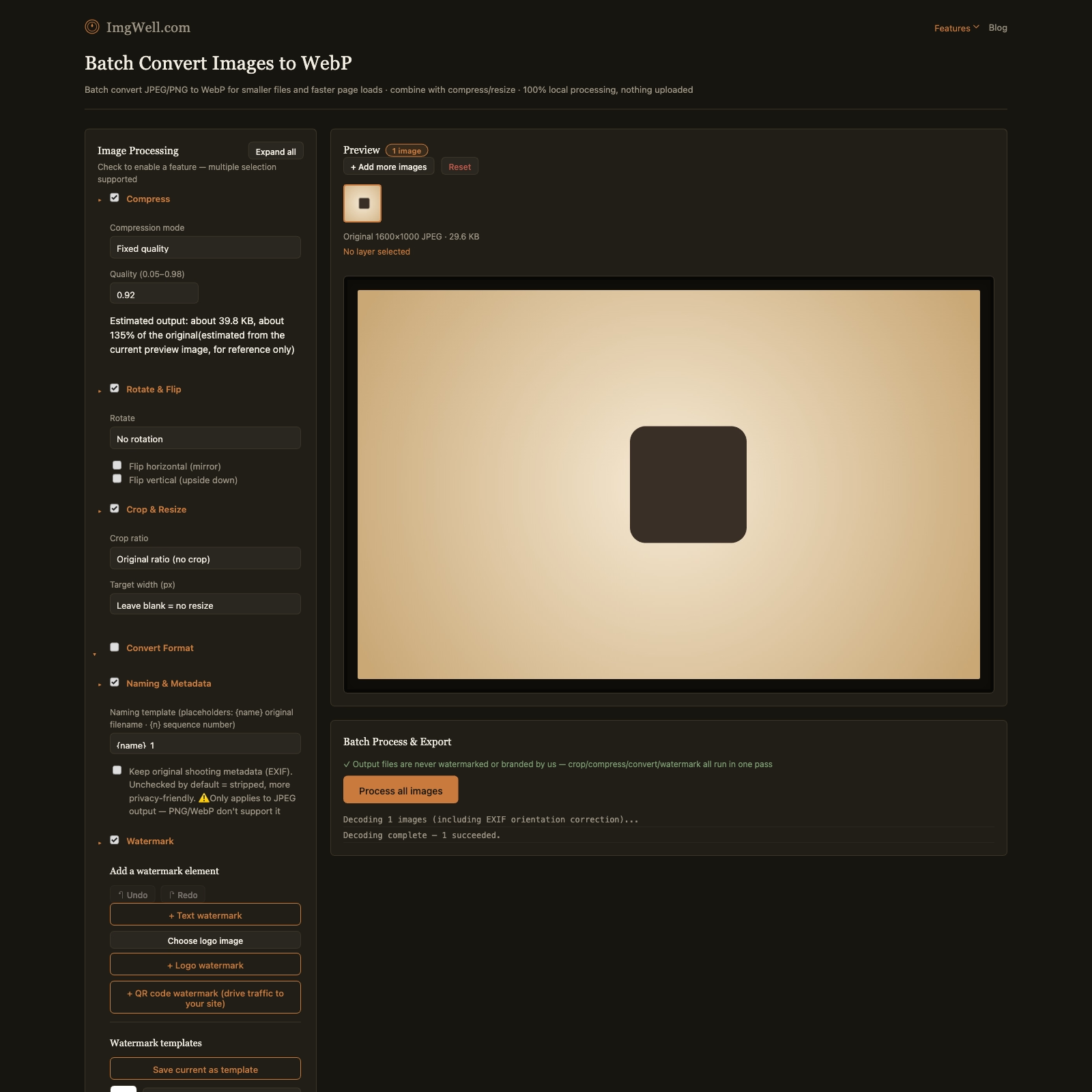
Our batch format converter runs entirely in your browser — nothing uploads, so this works fine even for images you haven’t published anywhere yet.
- Drop in your images (folder import works for a whole directory of photos at once).
- Open Convert Format — WebP is already preselected on this page.
- Check the estimated output size shown for your current preview image before you commit to the whole batch, so you know roughly what you’re getting.
- Process the batch and download — every image comes out as WebP, same visual content, smaller file.
If you also want to resize or compress at the same time, both of those panels work alongside format conversion in the same pass — you don’t need three separate tools for what’s really one export step.