How to Remove Unwanted Objects from a Photo for Free (No Photoshop Needed)
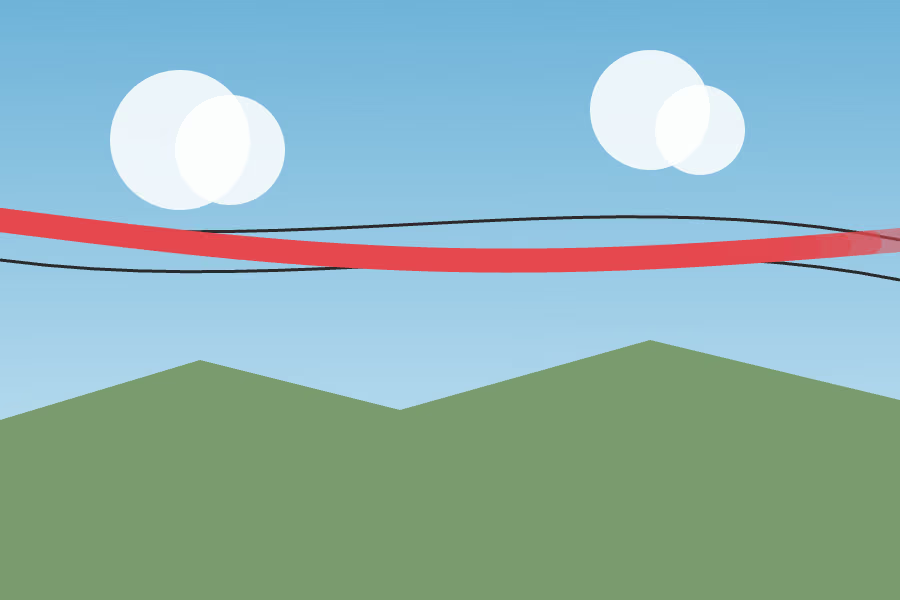
A power line running through an otherwise clean sky shot. A date stamp burned into the corner of a photo you’re about to post on Facebook Marketplace or eBay. A stranger who wandered into frame right as you took a group photo on vacation. None of these ruin the photo, but they’re the kind of thing that’s annoying enough to notice every time you look at it — and most people either live with it or give up trying to fix it because “learning Photoshop” sounds like way more effort than it’s worth for one photo.
What this actually works on
The Object Eraser uses a classical inpainting algorithm (Telea / Navier-Stokes), not generative AI — it fills the area you paint over by working outward from the pixels just outside it, rebuilding what’s likely there based on the surrounding background. It doesn’t invent new content from nothing. That’s the source of both its strength and its limit:
- Good for: date stamps, power lines, scratches, small clutter on the ground, skin blemishes, a small patch in the corner of a frame — anything thin, small, or sitting on a relatively even background.
- Not good for: a whole person, or any large blocked-out area. Once the erased region gets big, “extrapolate from the edges” stops working and the result turns into a smeared blur instead of real detail.
If the goal is erasing a person taking up half the frame, this tool won’t get you there. But for the things people actually reach for an eraser tool over — power lines, date stamps, a stray photobomber — that’s exactly what it’s built for.
How to use it
- Open the Object Eraser and import the photo.
- Paint over the thing you want gone — cover it completely, and go slightly past the edges so the algorithm has more surrounding pixels to work from.
- Click Erase painted area. The tool fills the painted region in based on what’s around it.
- Not happy with the result? Undo and repaint. For anything larger than a thin line, erasing it in a few smaller passes usually looks better than painting the whole thing at once and erasing it in one shot.
- Export when you’re done. No sign-up, and the whole thing runs in your own browser — the photo is never uploaded anywhere.
This isn’t a “remove any watermark” tool
Some tools market themselves as AI watermark removers that can erase anything, including copyrighted logos and stock-photo watermarks — under the hood that’s usually a generative model guessing at what should be under the mark, with unpredictable results, and going after a copyrighted watermark that way sits in genuinely gray legal territory. The Object Eraser isn’t built around that idea: it only ever fills in with pixels that already exist elsewhere in your own photo, it can’t invent something that was never captured in the first place. That’s exactly why it’s good at date stamps and stray strangers, and not marketed as a fix for everything.