Do Instagram, WhatsApp, X, Discord Remove EXIF Data?
Most big social platforms strip EXIF data, including GPS, from the copy of a photo they show to other people — but not all of them, not on every sharing path, and not in a way you can verify from the app. “I read that Instagram removes it automatically” is one of the most common reasons people never check their photos’ metadata before sharing, and it’s only sometimes true.
Does Instagram remove EXIF data?
Photos uploaded through Instagram’s own upload flow are generally stripped of EXIF metadata, including GPS coordinates, in the copy served to viewers. That behavior has been consistent for years. What it doesn’t cover is the original file: if you also sent the photo by email or messaging app before posting, that copy still carries everything.
Does Facebook remove metadata from photos?
Facebook behaves like Instagram for photos uploaded through its normal flow: the version other people can download is generally stripped of EXIF. Stripping the public copy doesn’t mean the platform itself never saw the metadata — it receives the full original on upload, so “removed” means “not visible to others,” not “never collected.”
Does WhatsApp remove EXIF data?
It depends on how you send the image. A photo sent as a regular photo is recompressed, and metadata is generally lost in that process. The same image sent as a document is delivered as the original file, so EXIF and GPS data come through intact. Many people use “send as document” specifically to keep full quality — and with it, the location.
Does X (Twitter) remove EXIF data?
Images uploaded through X’s normal posting flow are re-processed and stripped of EXIF metadata, including location. As with the others, that covers the posted copy, not any other copy of the file.
Does Discord, Telegram or another chat app scrub metadata?
This is where the answer is least reliable. Chat apps differ by app, by version, and by whether you send a “compressed” photo or an “original quality” file, and most of them don’t publish what they do. Some strip metadata as a side effect of recompression; others pass the file through untouched. Don’t assume — treat it as unknown unless you’ve checked.
What definitely isn’t stripped
- Email attachments: no stripping at all. The file you attach is the file that arrives, metadata included.
- Cloud storage links, USB transfer, direct file sharing: you’re sharing the original exactly as your camera or phone produced it.
- Personal websites and smaller platforms: no guarantee unless you’ve tested it.
How to check whether a platform strips EXIF
You can test it in a few minutes. Take a photo with location turned on, upload it to the platform, download the posted version, and look at its properties: on Windows, right-click → Properties → Details; on Mac, open it in Preview and choose Tools → Show Inspector. If the GPS fields are there, the platform didn’t strip them on that path. A single test only tells you about that app, that version, and that way of sharing.
Why “the big platforms handle it” isn’t a safe assumption
Even where the general rule holds, it covers one specific sharing method. The same photo emailed to someone, sent through a messaging app before you post it, or downloaded and re-uploaded elsewhere may still carry its full metadata through that other path. The platform’s stripping doesn’t clean a copy that already went somewhere else first. For the details of what location data a photo carries, see how to remove GPS location data from photos.
The reliable fix: remove it yourself, before any sharing method
Removing EXIF data before you share makes the sharing method irrelevant — there’s nothing left to strip or not strip.
- Import your photos as a batch.
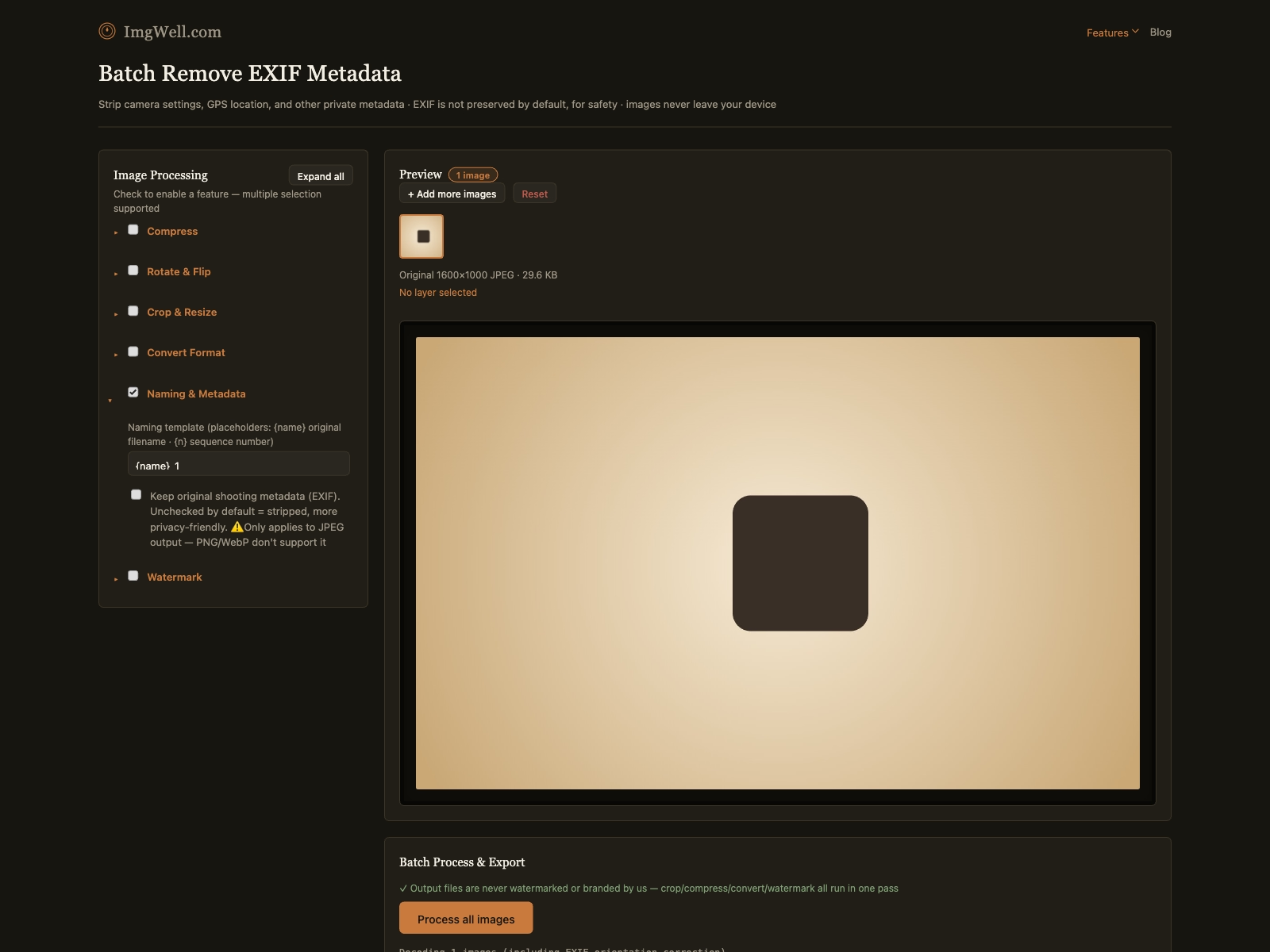
- EXIF is stripped by default — the Clear Privacy Data panel does this automatically, and the “Keep original shooting metadata (EXIF)” option stays unchecked unless you turn it on, so no extra step is needed for typical sharing.
- Process and download. From this point, the file has no GPS, device, or shooting metadata regardless of whether it goes through email, a messaging app, a platform upload, or a direct link.
You get a consistent result across every sharing method for a whole batch at once, instead of relying on each platform’s upload processing to handle it. Try the EXIF remover — it runs in your browser, so the photos are never uploaded.